
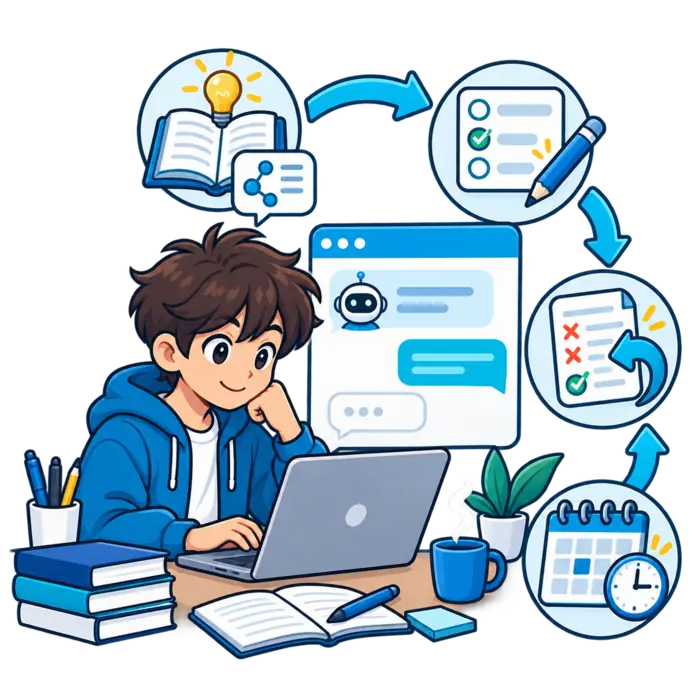
Studying with ChatGPT works when each session has a clear goal, trusted sources, real recall, and a final independent check.

Use the chat to guide practice and repair mistakes. Do not let it become a shortcut around the thinking you need.
How do I study with ChatGPT?
Choose one topic, share your level and source materials, and ask for guided questions. Attempt every answer before seeing feedback.
Verify important facts, practice a fresh question, record mistakes, and schedule another review. End by working without ChatGPT.
Did you know?
A productive ChatGPT study session ends outside the chat. You should explain, recall, or solve something independently before stopping.
Choose one outcome for the session
Use an outcome such as understanding one process, solving one problem type, or reviewing one chapter. Keep it measurable.
“Study chemistry” is too broad. “Explain ionic bonding and answer five questions” gives the session a clear finish line.
Set a time boundary
Choose a short working period and a stopping point. Divide longer topics into separate sessions.
A boundary prevents endless prompting. It also leaves time for closed-book practice, which proves whether learning happened.
Define the success check
Decide what you must do without help. You might explain the idea, complete a problem, or score well on fresh questions.
Tell ChatGPT this check at the start. The session can then build toward that performance.
Prepare the course sources
Gather the relevant objectives, notes, textbook sections, examples, and teacher feedback. Use only the material needed for this topic.
Remove personal data and restricted content. Clean inputs reduce distraction and make verification faster later.
Open ChatGPT Study Mode when useful
Study Mode supports guided questions, step-by-step explanations, and checks for understanding. It is designed for learning rather than quick answers.
The official Study Mode help page explains the current access steps across supported devices.
Write a strong first message
State your level, subject, exact topic, goal, current understanding, assessment type, and deadline. Mention the source materials.
Ask ChatGPT to use guiding questions and wait for your answer. Tell it to flag uncertainty and avoid guessing missing course details.

A complete ChatGPT study prompt
Try: “Help me learn photosynthesis for a high-school test. Use my notes and ask one question at a time.”
Add: “Give hints before answers, check my reasoning, flag unsupported claims, and finish with a closed-book quiz.”
Start with diagnostic questions
Ask for three short questions that test prerequisite knowledge. Answer without looking at notes.
Use the results to choose depth. Strong basics allow faster progress. Missing basics should be repaired before harder material.
Follow a repeatable study workflow
A consistent process reduces random chatting. It also makes results easier to compare across sessions.
Learn one concept step by step
Ask for the main idea first. Then request key parts, one example, a non-example, and one common confusion.
Pause after each stage and explain it back. Do not collect five explanations before testing the first one.
Use a teach-back check
Explain the concept as if teaching a younger student. Ask ChatGPT to identify missing links or inaccurate language.
Verify its feedback with your source. Rewrite your explanation until it stays simple without losing important conditions.
Solve problems with hints, not instant answers
Show your first attempt. Ask for the smallest helpful hint. Continue until you can complete the next step.
If stuck, request the relevant principle rather than the answer. This keeps your reasoning active and shows exactly where it breaks.
Practice active recall in the chat
Give ChatGPT the covered objectives. Ask one question at a time and hide all answers until your response.
Request questions that require explanation, comparison, and application. Simple definitions alone may not prepare you for deeper assessment.
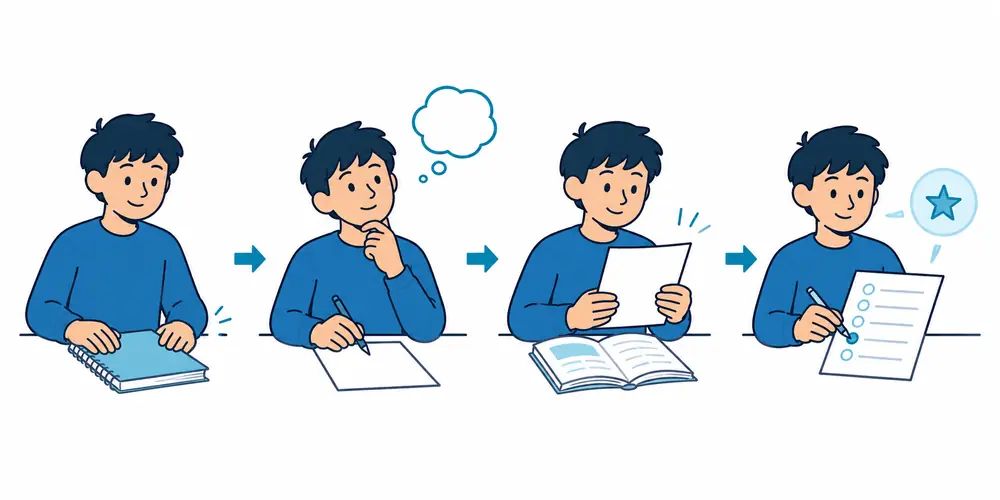
Ask ChatGPT to grade the reasoning
Give a rubric or model answer from the course when available. Ask which required points your response includes or misses.
Do not accept a score without evidence. Request specific feedback tied to the rubric, then revise the answer independently.

Create a realistic practice quiz
Match question type, difficulty, topic balance, and time pressure to the real assessment. Keep the answer key hidden.
Take the quiz in one sitting. Then review only missed or uncertain items. Ask for fresh practice on the same skills.
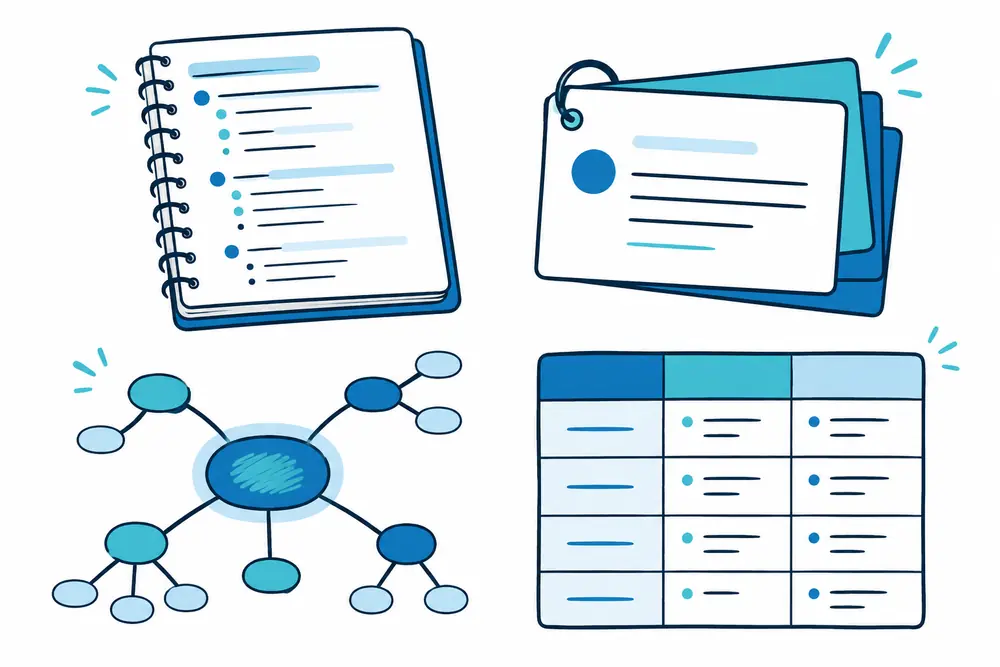
Build a small flashcard set
Ask for one clear prompt per card. Verify the answer and remove repeated cards.
Use cards for terms, formulas, steps, and short explanations. Use problems and essays for skills that need longer reasoning.
Review your written work
Ask for feedback on structure, clarity, evidence, and unsupported claims. Request questions that help you revise.
The official student writing guide shows ways to use ChatGPT for source roadmaps, understanding, and revision support.
Create a study guide from the session
Ask ChatGPT to summarize only verified points, missed questions, corrected explanations, and next practice tasks.
Keep answers separate from prompts. Read whether ChatGPT can create a study guide for the complete source-checking process.
Read next
Build a verified AI study guide from your notes and objectives.
Keep an error log after each session
Record the question, mistake type, correct idea, source, and next review date. Keep each entry short.
Ask ChatGPT for one similar question. Solve it without hints. A repaired mistake should survive a changed example.
Classify the mistake correctly
Separate missing knowledge, misunderstood concepts, weak methods, rushed reading, and careless work. Each type needs a different repair.
ChatGPT can suggest a category, but you should confirm it. The wrong diagnosis sends practice in the wrong direction.
Verify everything important
Check formulas, definitions, dates, citations, legal rules, medical facts, and exact course methods against authoritative sources.
Ask ChatGPT to cite your supplied material. Open the source yourself. Never treat confident wording as proof.
End with an independent check
Close the chat. Explain the topic on paper, solve one fresh problem, or complete a short quiz without help.
If performance drops, reopen only the weak point. This final check separates real learning from chat-assisted familiarity.
Schedule the next review
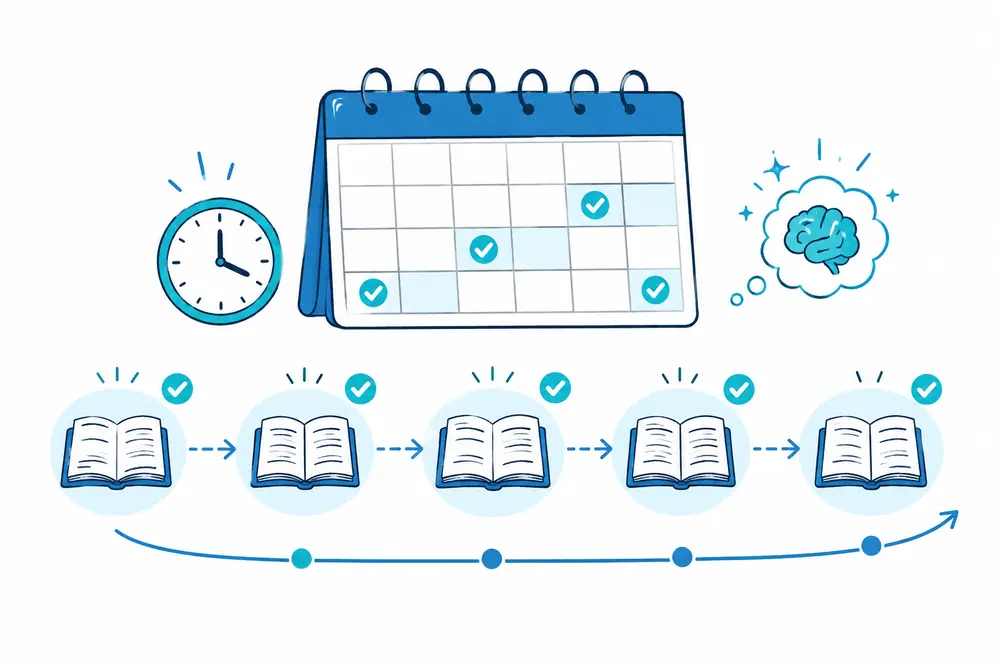
Choose the next date based on difficulty and performance. Review weak topics sooner and strong topics later.
Ask ChatGPT to draft a plan, then fit it around your real calendar. Leave buffer time for missed sessions and harder chapters.
Examples for different subjects
For math, request hints, worked comparisons, and fresh problems. For science, use concept checks, diagrams, and cause-and-effect questions.
For history, practice timelines, evidence, and comparison. For languages, use conversation, corrections, vocabulary recall, and short writing.
Mistakes to avoid when studying with ChatGPT
Do not request instant answers, trust uncited claims, upload private data, or let the chat complete prohibited schoolwork.
Avoid giant prompts covering an entire course. Smaller sessions give better focus, clearer checking, and more meaningful practice.
Do not copy explanations without processing them
Read, close, recall, and rewrite. Compare your version with the trusted source.
Copying creates a clean page but weak memory. Your brain needs to lift the weight, not watch the machine lift it.
Do not keep every review inside chat
Use paper, flashcards, past questions, class discussion, and teacher feedback. Different settings reveal different weaknesses.
Our guide on using ChatGPT to study explains the wider benefits, risks, and privacy rules.
A ChatGPT math study session
Begin with one method and one example from class. Explain your current understanding before solving anything.
Attempt a problem and ask for a small hint. Compare your completed method with the course example.
Finish with two changed problems without help. Record whether the error involved setup, method, calculation, or checking.
A ChatGPT science study session
Choose one process or relationship. Ask diagnostic questions about prerequisites before requesting an explanation.
Draw the process from memory and describe each step. Use ChatGPT to question missing causes, conditions, or results.
Verify labels and facts with your source. End with a prediction or application question.
A ChatGPT history study session
Start with a period, event, or theme. Build a source-based timeline and identify causes and consequences.
Answer comparison questions using evidence from assigned material. Ask ChatGPT to challenge weak connections.
Finish with a short thesis and outline. Check every quotation or exact claim in the original source.

A ChatGPT language study session
Choose a communication task, vocabulary group, and grammar pattern. Begin with a short conversation at your level.
Request corrections with explanations. Produce a new sentence using each corrected pattern.
Finish by speaking or writing without the chat. Mark words you could recognize but not produce.
A ChatGPT writing study session
Create your own claim or outline first. Ask ChatGPT questions about structure, evidence, clarity, and missing counterpoints.
Revise without copying its sentences. Compare the final version with the rubric and course examples.
Record one writing rule for the next task. Feedback becomes useful when it changes later work.
A one-week ChatGPT study plan
Use the first day to map scope and diagnose gaps. Spend the next days explaining, retrieving, and applying.
Place a mixed quiz near the end. Use the final day for errors, light review, and independent checks.
Adjust the plan to your real schedule. Do not force equal time on topics with different difficulty.
Keep daily sessions connected
Start each session with two questions from the previous review. Add one older topic for mixed practice.
Carry forward the error log and source list. Do not restart from a blank plan every day.
Finish by naming the next topic and review date. Connected sessions create momentum without endless chat history.
Set up your device for focused study
Keep the course source and ChatGPT visible without opening unrelated apps. Silence unnecessary alerts.
Use a document for notes instead of saving every useful point only in chat. Keep answer keys away during recall.
Choose a larger screen for tables, diagrams, or source comparison when possible.
Can you study with voice?
Voice can support teach-back practice, language conversation, and quick questioning. Speak your reasoning, not only the final answer.
Review transcriptions and technical terms. Voice systems may misunderstand names, formulas, or specialized vocabulary.
Do not record other people without permission. Use private material carefully and follow current data settings.
Study from uploaded files carefully
Use fewer focused files and clear names. Ask ChatGPT to list the detected sections before building questions.
Compare that list with the original document. Upload a smaller extract when pages or diagrams are missing.
Request source locations for important claims. File access helps, but it does not remove the need to verify.
Use pauses to strengthen recall
After each explanation, look away and write the main idea. Wait before asking the next question.
Pause again after feedback. Correct the answer from memory instead of copying the response.
These breaks turn a fast conversation into learning. Constant scrolling leaves little space for retrieval.

Use a simple session scorecard
Track the goal, closed-book score, hardest question, repeated mistake, verified sources, and next review date.
Keep the scorecard short. It should guide the next session, not become another project.
Compare several sessions. Look for better accuracy and independence, not more messages or longer chats.
How should you use ChatGPT during exam week?
Focus on weak high-priority topics, mixed quizzes, and error repair. Avoid creating giant new resources.
Verify any last-minute factual correction with trusted material. Keep final reviews shorter and more targeted.
End sessions early enough for independent recall and normal rest. More prompts do not always mean better preparation.
Use ChatGPT after an assessment
Review allowed feedback and classify mistakes. Ask how the missing rule connects with earlier topics.
Create one fresh practice item for each repeated error. Update the study guide and schedule another check.
Do not use restricted assessment content against class rules. Focus on the skill that needs repair.
Build independence over time
Reduce hints as your skill improves. Attempt longer tasks before opening ChatGPT.
Move from explanation requests to challenge questions and feedback. The tool’s role should shrink as competence grows.
Independent performance is the real outcome. A good study partner helps you need less help later.
Practical questions about ChatGPT study sessions
How long should one session last?
Use enough time to learn, retrieve, verify, and complete an independent check. Stop when attention falls sharply.
One focused topic usually works better than several rushed topics. Split larger goals across connected sessions.
Should you take notes during the chat?
Write only verified ideas, personal explanations, mistakes, and next actions. Do not copy the entire conversation.
Keep notes in a stable document. Separate source facts from ChatGPT suggestions and unverified claims.
Should you start a new chat for each topic?
A new chat can reduce old context and confusion. A continuing chat can preserve goals and recent errors.
Choose one approach per course. Restate the source rules and current objective whenever context becomes crowded.
How many hints should you request?
Ask for the smallest hint that lets you continue. Increase help gradually when the first clue is not enough.
After solving, complete a similar task without hints. That second attempt shows whether the method became yours.
Should every answer include a source?
Exact citations are most important for factual, changing, disputed, and high-stakes claims. Course methods also need tracing.
Ask for the source location, then open it yourself. Do not confuse a citation-shaped answer with verified evidence.
How do you know the session is finished?
Finish when you meet the independent success check, verify important claims, and schedule the next review.
If you cannot perform without chat support, record the gap. Plan a smaller repair session instead of pretending completion.
Recover from an unhelpful session
Stop when answers become repetitive, off-topic, or unsupported. Restate the exact goal and source rule once.
If the problem continues, start a clean conversation with fewer materials. Ask one focused question.
Return to the textbook or teacher when uncertainty remains. Do not spend more time trying to force a weak answer.
Create a useful session summary
Record the verified concept, your strongest explanation, missed questions, corrected rule, and next review date.
Keep the summary short enough to scan before the next session. Link each factual correction to its source.
Use the summary to begin tomorrow’s diagnostic questions. This connects sessions without carrying unnecessary chat history.
The bottom line
Study with ChatGPT by setting one goal, using trusted sources, answering before feedback, and ending with independent practice.
Verify important claims and follow school rules. Use the tool like a coach beside the track, not a runner taking your place.