
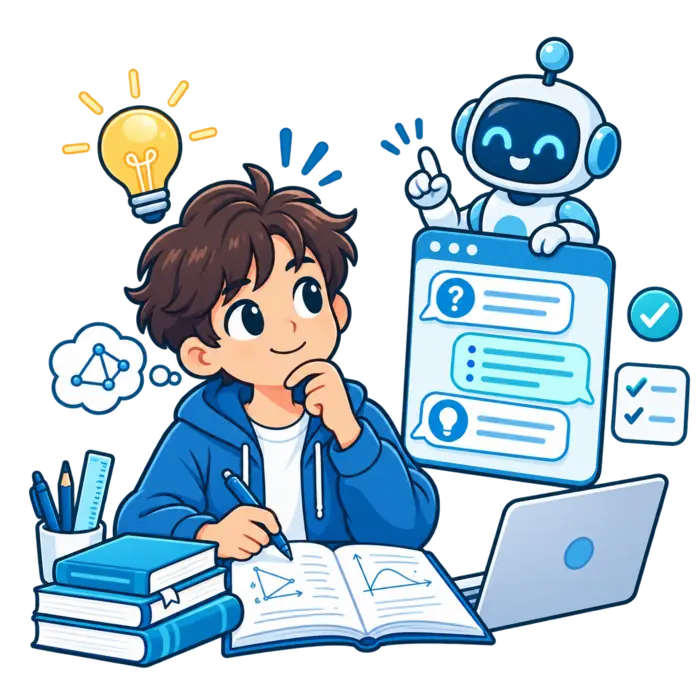
ChatGPT can support explanations, practice, planning, and feedback. It works best when you use it to think, not escape thinking.

The safest approach keeps course sources, teacher rules, and your own answers at the center of every session.
Can I use ChatGPT to study?
Yes. You can use ChatGPT to explain topics, ask guiding questions, create quizzes, review mistakes, and organize study sessions.
Do not treat every answer as correct. Verify important information and follow your school’s academic integrity rules.
Did you know?
ChatGPT Study Mode is built to ask questions, guide steps, and check understanding instead of only supplying a final answer.
What is ChatGPT good for while studying?
Use it for plain-language explanations, examples, comparisons, practice questions, flashcard drafts, and review planning.
It can also help classify mistakes and suggest a new practice problem. These tasks support learning without replacing the course source.
Use it as an explanation partner
Ask for one confusing idea in simpler words. Request an example connected to something familiar.
Then explain the concept back. If you cannot, ask for a smaller step. The goal is your explanation, not its paragraph.
Use it as a questioning partner
Ask ChatGPT to give one question at a time. Answer before receiving feedback or seeing the next question.
Request follow-ups based on mistakes. This creates a responsive session instead of a fixed pile of random questions.
Should you turn on Study Mode?
Study Mode is a good starting point when you want guided learning. It asks questions and adapts explanations to your answers.
According to the official Study Mode instructions, you should share your level, topic, goal, current understanding, and deadline.
Prepare before opening ChatGPT
Choose one topic and one outcome. Gather the relevant notes, objectives, examples, and teacher instructions.
Write what you already know. Mark one question you want answered. A prepared session stays focused when the chat starts expanding.
Give ChatGPT useful study context
State your learner level, course, exact unit, assessment type, and available time. Mention any required method or notation.
Tell it where you struggle. Ask it to use your supplied material and flag gaps rather than filling them silently.
Use trusted materials as the source of truth
Course notes, textbooks, official documents, and teacher feedback should settle factual disputes. ChatGPT can help explain those sources.
Ask it to reference the supplied section. Open that section and compare the claim yourself. Source tracing keeps confidence honest.
How can ChatGPT teach a concept?
Ask for an explanation at your level. Request the main idea, key terms, a simple example, and one common misunderstanding.
Then ask for a harder example. Compare both. Learning becomes stronger when the idea works in more than one situation.
How should you solve problems with ChatGPT?
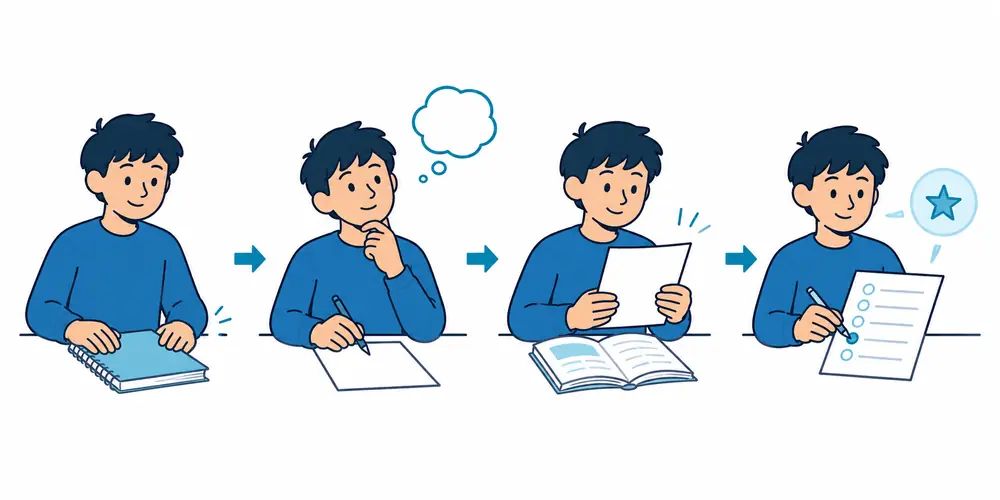
Attempt the problem first. Show your steps and ask for a hint, not the full solution.
After finishing, compare methods. Ask where your reasoning changed direction. A hint protects the productive struggle that builds skill.
Use a hint ladder
Request a small clue first. If needed, ask for the relevant rule. Only then request a partial worked step.
Save the complete solution for the final check. This ladder keeps the session challenging without leaving you stuck.

Use ChatGPT for active recall
Give the covered topics and ask for one closed-book question. Type your answer from memory before requesting feedback.
Ask it to score coverage, not writing style alone. Add every missing idea to a short repair list.
Create a quiz without seeing answers
Specify the topic, difficulty, question count, and assessment style. Tell ChatGPT to hide all answers until you finish.
After grading, ask for explanations only on missed items. Then request new questions targeting the same weak concepts.
Draft flashcards with ChatGPT
Ask for one fact or concept per card. Keep answers short enough to judge clearly.
Verify each card against your sources. Remove duplicates and vague wording. Add cards from mistakes rather than generating endless sets.
Use ChatGPT to improve academic writing skills
Ask for feedback on clarity, structure, evidence, and gaps. Keep your own voice and make the final decisions.
Do not ask it to produce submitted work when rules prohibit that use. Practice with fresh examples instead of outsourcing the assignment.
Use ChatGPT for language practice
Practice short conversations, vocabulary recall, grammar explanations, and sentence correction. Ask it to explain each correction plainly.
Confirm pronunciation and cultural usage with trusted language sources or a teacher. Text feedback cannot replace every speaking signal.
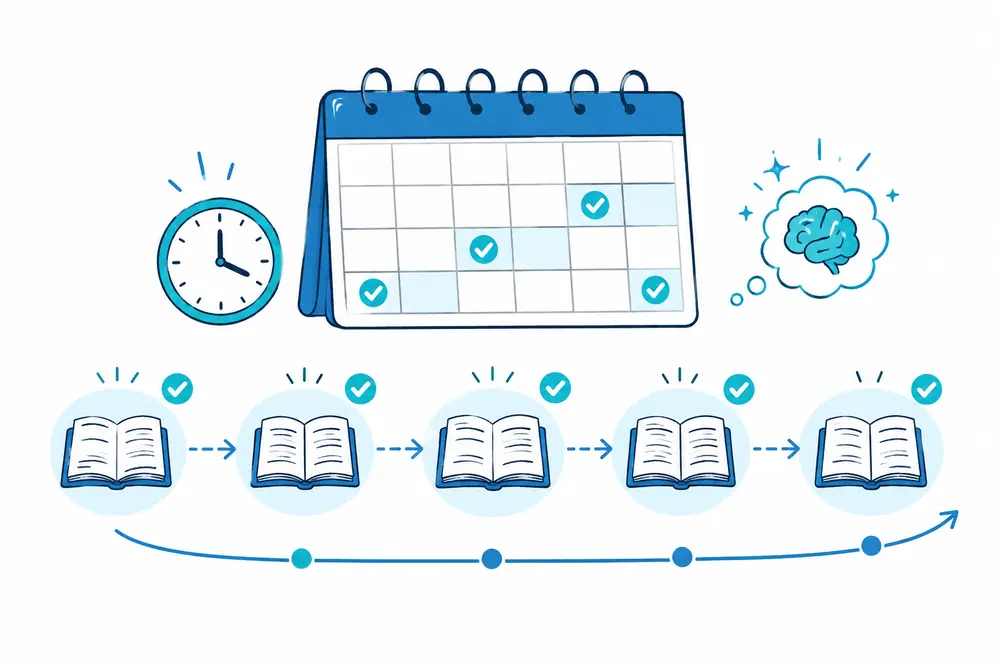
Use ChatGPT for a realistic study plan
Share the deadline, topics, available sessions, and confidence ratings. Ask for short repeated practice with buffer time.
Update the plan after each quiz. Move weak topics forward. Remove tasks that no longer help. Your results should steer the schedule.
Review mistakes instead of requesting more content
Describe the question, your attempt, and the correct source answer. Ask ChatGPT to identify the missing rule or reasoning step.
Then solve a similar problem without help. More content is not always the answer. Sometimes one repaired mistake moves the needle.
Keep a simple error log
Record the topic, mistake type, correct rule, and next practice date. Group repeated errors so patterns become visible.
Ask ChatGPT to help classify them, but check its labels. The log should reflect your real learning, not generic categories.
Can ChatGPT create your study guide?
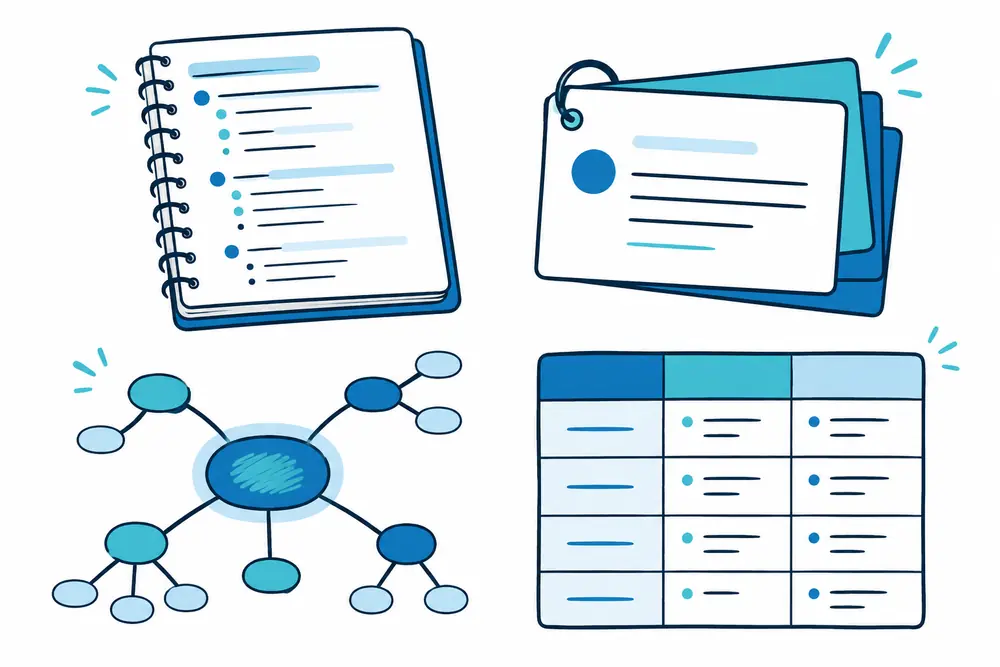
Yes. It can organize verified notes into sections, questions, examples, and a review schedule.
Read how ChatGPT creates a study guide. Use our AI study guide workflow for deeper verification steps.
Read next
Follow a complete ChatGPT study session from setup to review.
What should you avoid sharing?
Do not share passwords, private identifiers, confidential feedback, restricted exams, or personal records. Remove names from course files.
OpenAI explains that individual-service content may be used to improve models when training is enabled. Review the official data use and opt-out information.
Follow school and teacher rules
Some classes allow brainstorming or feedback but ban generated answers. Others require disclosure or citations.
Ask before using ChatGPT on graded work. Keep a record of your sources and changes. Transparent use protects trust.
What can go wrong?
ChatGPT may invent details, misunderstand files, oversimplify ideas, or give outdated information. It may also agree too easily.
Ask it to challenge your answer and name uncertainty. Still compare important claims with your course source or teacher.

Avoid dependence on constant hints
Set periods when you work without ChatGPT. Attempt questions, plan essays, and recall facts independently.
Use the tool after the attempt. If every step needs a prompt, the skill has not moved into your hands yet.
Avoid endless chat without output
Finish each session with something measurable: corrected questions, a brief explanation, an error list, or a review plan.
Conversation can feel productive while leaving no memory. Close the chat and prove what you can do.
A quick self-check after using ChatGPT
Can you explain the topic without the chat? Can you solve a fresh question? Did you verify important claims?
If not, continue with independent recall. Compare other free learning tools in our best free study websites guide.
When should you not use ChatGPT?
Do not use it when class rules forbid the tool or when materials are confidential. Avoid it during required independent assessments.
It may also be unnecessary for a short fact check already answered by an official source.
Choose the smallest helpful tool. More technology can add friction when the learning task is already clear.
Use ChatGPT for math study
Show your first attempt and request a hint. Ask which principle applies before requesting calculations.
Compare two solution methods and explain when each works. Verify notation, arithmetic, and units independently.
Finish with a changed problem. The method should survive new values and different wording.
Use ChatGPT for science study
Ask for cause-and-effect questions, process explanations, labeled diagram descriptions, and prediction tasks.
Verify measurements, conditions, classifications, and exceptions. Simplified science explanations can hide important boundaries.
Use official course sources for factual checks. Let ChatGPT help connect the verified ideas.
Use ChatGPT for history and social studies
Build timelines, compare viewpoints, trace causes, and practice evidence-based explanations. Keep claims tied to assigned sources.
Ask for questions that connect events instead of isolated date lists. Verify quotations and names in the original text.
Use AI summaries only as navigation. Read the source before using evidence in graded work.
Use ChatGPT for language learning
Create short conversations at your level. Ask for corrections with plain explanations and another practice sentence.
Use vocabulary in context and test production in both directions. Practice speaking without reading the model response.
Confirm pronunciation and regional usage with a teacher or trusted language source.
Use ChatGPT for exam preparation
Give the official objectives and exam format. Ask for a balanced plan, question set, and weakness tracker.
Do not request leaked or restricted assessment material. Practice with fresh questions based on allowed course content.
Simulate time pressure only after learning the methods. Speed practice cannot repair missing understanding.
Use ChatGPT during group study
Let one person read questions while everyone answers independently. Compare reasoning before asking ChatGPT for feedback.
Use the tool to suggest follow-up questions, not settle every disagreement. Check disputed facts with the course source.
Rotate roles so everyone explains. A group session fails when one person and one chatbot do all the thinking.
Protect focus during chat sessions
Set one topic, one timer, and one output. Close unrelated tabs and silence unnecessary notifications.
When the chat drifts, restate the goal. Save interesting side questions for another session.
End with a written answer or solved problem. Visible output keeps conversation connected to learning.
Be careful with high-stakes subjects
For medical, legal, financial, safety, and professional certification material, use authoritative current sources.
Ask ChatGPT for explanations, but confirm rules, thresholds, and procedures directly. Small inaccuracies can carry larger consequences.
When unsure, ask a qualified teacher or professional. The chat should not become the final authority.

Use accessibility features thoughtfully
Request shorter explanations, plain language, structured headings, or stepwise questions. Ask for text descriptions of important visuals.
Voice tools may help some learners, but review transcriptions for errors. Keep technical terms visible in writing.
Accessibility should make the same learning goal easier to reach. It should not remove the essential practice.
Compare ChatGPT answers with sources
Create three columns: the question, ChatGPT’s claim, and the verified source answer. Add corrections visibly.
Focus on statements that change a conclusion. Definitions, conditions, dates, and formulas deserve special care.
Over time, this comparison teaches healthy skepticism. You learn where the tool helps and where it drifts.
Measure your progress without asking ChatGPT
Track closed-book accuracy, response speed, repeated mistakes, and transfer to new questions. Use the same measurement each week.
ChatGPT can organize results, but your actual performance provides the data. Confidence alone is too easy to inflate.
Change the study method when scores remain flat. More prompts may not solve a weak practice design.
Build a balanced study stack
Combine ChatGPT with course notes, textbooks, teachers, libraries, flashcards, past questions, and independent writing.
Give each resource one job. ChatGPT may explain and question, while official sources confirm facts.
This balance prevents one tool from becoming a single point of failure.
Discuss AI use with teachers or caregivers
Explain what tasks you use ChatGPT for and how you verify answers. Ask which uses are allowed.
Share your study process, not private chat details. Agree on boundaries for schoolwork and sensitive information.
Clear expectations reduce confusion. They also make responsible learning habits easier to maintain.
Practical questions about studying with ChatGPT

Can you study with a free account?
Free access may support study conversations and current learning tools. Features and limits can change across accounts and devices.
Check the product directly. A simple workflow with pasted notes and questions can still support useful practice.
Is ChatGPT suitable for younger students?
Age requirements, teen protections, school rules, and caregiver guidance matter. Use the account and safeguards designed for the learner.
Keep conversations focused on learning. Do not share private details or treat ChatGPT as a replacement for trusted adults.
Should you use it every day?
Use frequency based on the task, not habit alone. Some days need teacher feedback, reading, paper practice, or rest.
Keep independent sessions in the schedule. Daily use should not become daily dependence on hints.
How do you know an answer is accurate?
Compare it with the syllabus, textbook, official source, or teacher guidance. Ask for a traceable source location.
Check claims that affect conclusions, methods, or safety. Agreement between two AI answers is not independent verification.
Can teachers tell you used ChatGPT?
Detection tools and teacher judgments are imperfect. The right question is whether your use follows the class policy.
Disclose assistance when required. Keep drafts, sources, and your own reasoning so the learning process remains clear.
Will ChatGPT improve memory?
It can create questions and feedback, but memory improves through your retrieval and repeated practice.
Reading generated explanations alone may feel easy without building durable recall. Close the chat and answer independently.

Can it replace a tutor or teacher?
No. It cannot observe every learning signal, know hidden course expectations, or guarantee accurate guidance.
Use it for extra practice and explanations. Bring persistent confusion, disputed facts, and important decisions to a qualified person.
Keep an offline study option
Print key questions or save a verified practice copy. Use paper when screens, connections, or notifications interrupt focus.
Offline work also reveals whether you can perform without instant hints. Mark gaps and review them later.
The learning plan should survive temporary tool problems. Your sources, notes, and practice remain the foundation.
Review the conversation after studying
Extract verified ideas, corrected mistakes, and next actions. Delete copied filler from your permanent notes.
Check whether the chat drifted from the original goal. Note prompts that produced useful questions or clearer explanations.
Do not reread the full conversation as your main review. Convert it into short prompts and independent practice.
The bottom line
You can use ChatGPT to study effectively when it supports explanation, practice, feedback, and planning. Keep trusted sources in charge.
Attempt first, verify answers, protect privacy, and follow class rules. ChatGPT should help you build the skill, not borrow it.
Keep some sessions completely independent. Those sessions show whether the skill remains available when prompts and hints disappear.
Review results instead of message counts. Better recall, clearer reasoning, and fewer repeated errors are the useful signals.
When confusion continues, bring the exact question and source to a teacher. Human guidance matters when the stakes rise.
Keep your final notes clear, verified, and useful outside the conversation. That independence is the strongest quality check.