

AI can turn notes into a study guide quickly, but speed does not guarantee accuracy. The safest workflow keeps your course sources in control.

Use AI to organize, question, and simplify material. Then verify every important claim before you study from the result.
How do I create a study guide with AI?
Choose a narrow goal and gather trusted materials. Give the AI your level, exam scope, desired format, and source rules.
Ask for an outline first. Generate one section at a time. Check facts, add practice, and revise the guide after testing yourself.
Did you know?
The strongest AI study guide is usually not a one-click output. It improves through source limits, section checks, questions, and student corrections.
Pick one exact learning goal
Tell the AI the course, topic, learner level, exam date, and assessment type. Include the covered chapters or objectives.
A narrow request produces a focused guide. A vague request invites generic filler. Specific context works like guardrails on a busy road.
Describe what you already understand
State your strong and weak areas. Mention terms, formulas, or processes that still feel confusing.
This helps the AI choose better explanations and practice. It also reduces time spent on ideas you already know.
Define the finished format
Ask for clear sections, concise explanations, vocabulary, examples, recall questions, and an error checklist. Name any required exam format.
Request plain language and short paragraphs. Set length limits for each section so the output remains usable.
Gather clean source material
Use the syllabus, teacher notes, learning objectives, textbook extracts, and official review documents. Remove unrelated pages and repeated files.
Clear source files improve retrieval. Poor scans, complicated layouts, and mixed subjects can cause missing or confused details.

Remove private or restricted information
Delete student names, grades, login details, private teacher comments, and personal identifiers. Do not upload material you lack permission to share.
Check your school rules and the tool’s data controls. When unsure, use a clean summary instead of the original private file.
Choose paste, upload, or topic-only input
Pasting works for short notes. File uploads help with longer documents. Topic-only prompts are fastest but carry the highest accuracy risk.
Use source documents whenever exact course coverage matters. A topic name alone may produce information outside your class.
Write a source-first prompt
Tell the AI to use only the supplied materials. Ask it to mark gaps instead of guessing. Require a separate list of uncertain points.
Include the audience, goal, structure, tone, and checking rules. Strong prompts describe the job, evidence, and final shape.
A practical AI study guide prompt
Try this: “Create a study guide for my biology exam using only these notes. Cover the listed objectives and flag missing information.”
Continue: “Use brief explanations, key terms, worked examples, and recall questions. Separate source facts from added suggestions.”
Ask for the outline before the full guide
Review the proposed sections against the syllabus. Add missing objectives and remove topics outside the assessment.
An outline is cheap to fix. A finished guide built on a weak outline wastes time. Check the map before building the house.
Map each objective to a section
Create a simple coverage list. Every required objective should appear once in a clear section.
Mark objectives needing examples, diagrams, or practice. This prevents a summary-heavy guide that lacks usable learning tasks.

Generate one section at a time
Smaller requests make checking easier. Ask for one unit, compare it with sources, correct it, and then continue.
This method also gives you better control over depth. Difficult topics can receive more explanation without bloating easy sections.
Verify the AI output line by line
Check definitions, steps, formulas, dates, names, units, and citations. Compare them with the course source, not another AI answer.
Ask the tool to show which source section supports each claim. Then open that section yourself. Verification cannot be outsourced completely.
Use confidence labels during checking
Mark verified facts, unclear claims, and missing content differently. Keep uncertain material outside the final study version.
If the source does not support a claim, delete it or ask your teacher. Smooth wording is not evidence.
Rewrite explanations in your own words
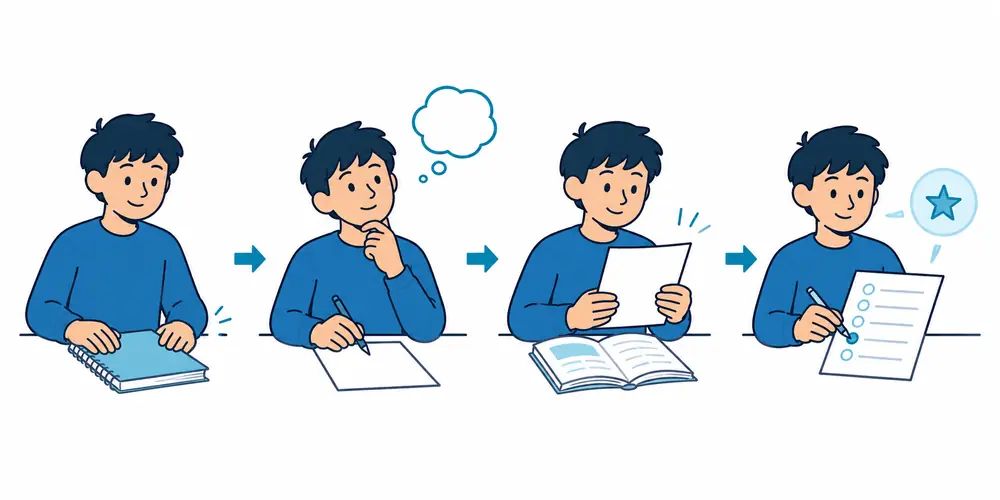
Read the AI explanation, close it, and explain the concept yourself. Compare meaning and repair missing details.
This step changes the guide from generated content into learned material. It also reveals explanations that sound clear but teach little.
Convert summaries into active recall
Ask for “why,” “how,” “compare,” and “apply” questions. Answer without seeing the guide. Request feedback only after your attempt.
The active recall guide from Birmingham City University recommends flashcards, practice questions, and teaching concepts aloud.
Ask for different question types
Use quick recall, short explanations, comparisons, worked problems, and scenario questions. Match the balance to your actual exam.
Request answer keys separately. Seeing answers too early turns practice into recognition and creates false confidence.
Build an error-and-repair loop
Paste or describe missed questions without private details. Ask the AI to classify each error and give one targeted explanation.
Then request a similar new question. Solve it alone. Add repeated mistakes to the guide’s review-first section.
Use AI for tables and diagrams carefully
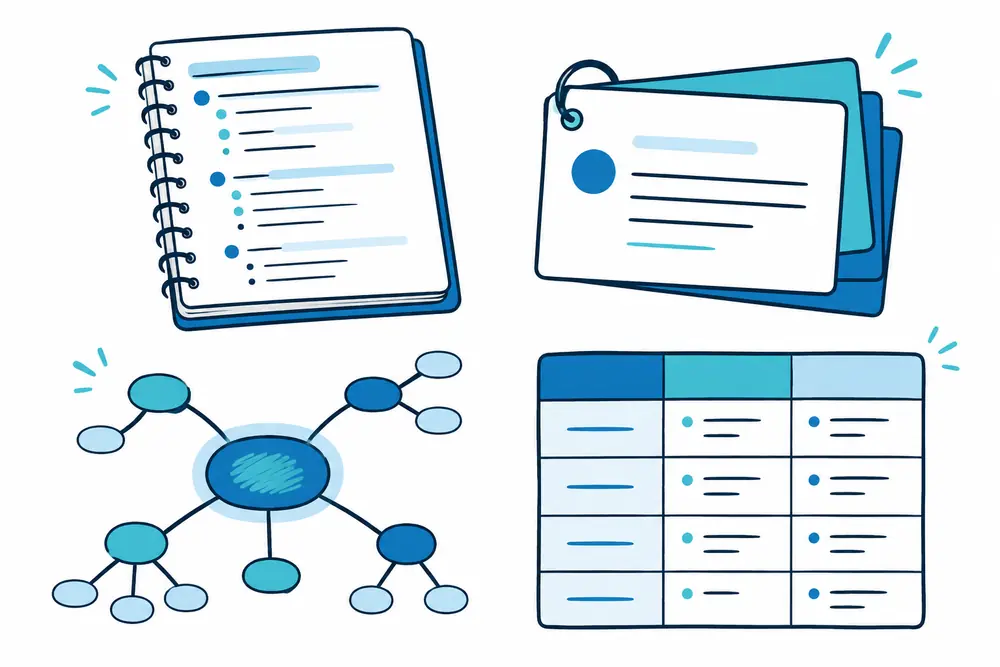
AI can suggest comparison tables, timelines, and concept-map structures. Verify every label and relationship before using them.
Do not add a chart because it looks impressive. Choose a visual only when it makes a real relationship easier to understand.
Keep the finished guide scannable
Use short sections, descriptive headings, bullets, and white space. Put high-priority weak topics near the front.
Separate explanations from questions and answers. A clean structure reduces searching and leaves more time for practice.
What should you edit yourself?
Choose the scope, priority, final wording, examples, and review order. Add teacher feedback and your real error patterns.
AI can help shape the clay. You still decide what the finished tool must do. Personal judgment keeps the guide relevant.
Read next
See exactly what ChatGPT can and cannot do for a study guide.
Turn the guide into a review schedule
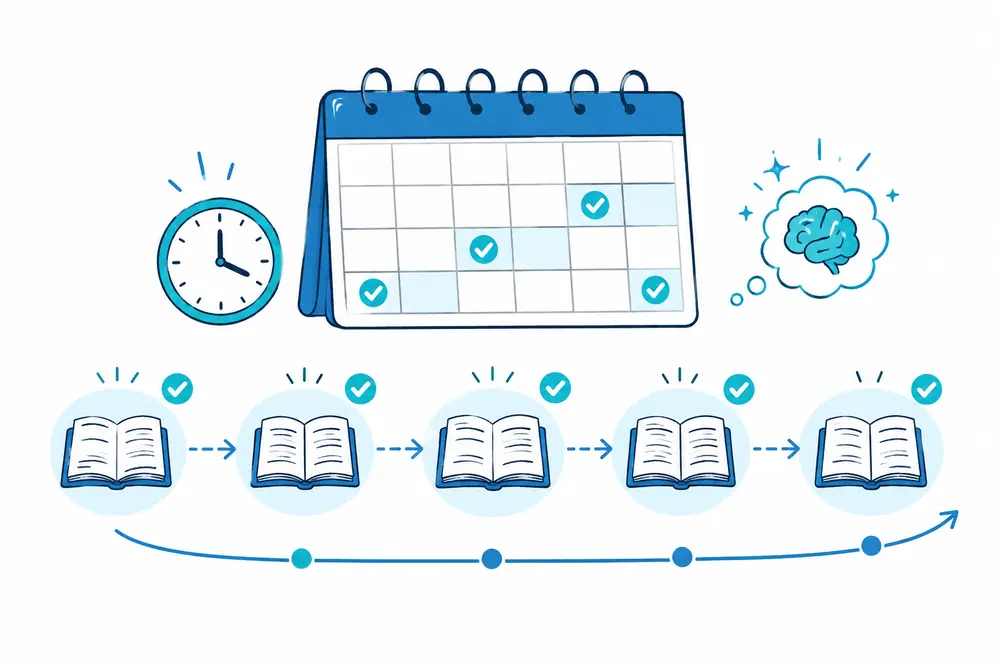
Ask for a draft schedule based on your test date and available sessions. Give harder topics more frequent, shorter reviews.
Adjust the plan after each quiz. Do not let the AI invent available time or personal commitments. Your calendar remains the truth.
Common AI study guide failures
Watch for invented facts, missing exceptions, wrong formulas, outdated details, repeated questions, and topics outside the assessment.
Another failure is over-compression. A tiny summary may remove the reasoning you need. Ask for concise explanations, not empty slogans.

Avoid the one-shot prompt
“Make me a complete study guide” gives the tool too many hidden choices. It may guess your level, scope, and assessment.
Use a staged workflow. Outline, generate, verify, question, test, and revise. Each stage catches a different problem.
Do not use AI as the only source
AI can explain and organize. Your course materials, official sources, and teacher guidance should settle disputed facts.
OpenAI’s own study kit workflow recommends grounding outputs in uploaded course materials and calling out gaps.
Can you create an AI study guide for free?
Many tools offer free access, but limits and features change. Start with short text, focused sections, and your own document editor.
Our guide to making a study guide for free covers simple tools. Compare broader resources in the best free study websites.
Final check before studying from the guide
Confirm coverage, source accuracy, useful examples, question variety, answer separation, privacy, and a realistic review plan.
Try one closed-book session. If the guide cannot reveal weak knowledge, it still needs work. Read our manual process for creating your own study guide.
How should you choose an AI tool?
Choose based on the material, output, privacy controls, and checking features you need. Do not choose from marketing claims alone.
Confirm supported file types, current limits, export options, and data settings. Features can change, so check the tool directly.
A simple chat may handle short notes. Larger courses may need stronger document organization and source tracing.
Prepare PDFs and scanned notes
Use clear scans with straight pages and readable text. Split large files by unit or chapter.
Check whether diagrams, footnotes, tables, and formulas were read correctly. Complex layouts can lose relationships during extraction.
Paste critical formulas separately when needed. Ask the AI to repeat them before building the guide.

What if the AI misses part of a file?
Ask for a source inventory before requesting summaries. Compare the listed headings with the document yourself.
If content is missing, upload a smaller extract or paste the section. Do not let the tool silently continue with incomplete coverage.
Record every missing page in a gap list. Add it manually before finalizing the guide.
Improve prompts through small iterations
Change one instruction at a time. Test whether the output becomes more accurate, focused, or useful.
For example, add source citations before changing tone. Then add question variety before adjusting length.
Small changes reveal what caused improvement. Giant prompt rewrites make the result harder to evaluate.
Create an AI guide for math
Ask for formulas, conditions, units, worked examples, and fresh problems. Require explanations for every step.
Tell the AI to include common wrong approaches. Verify calculations and notation against the course method.
Keep answer keys separate. Solving only copied examples creates recognition, not flexible problem-solving.
Create an AI guide for science
Request processes, causes, evidence, diagrams, vocabulary, and application questions. Ask how concepts connect across units.
Check labels, measurements, and exceptions carefully. Simplified explanations can remove conditions that matter.
Add prediction questions for experiments. They make you use the concept instead of repeating a definition.
Create an AI guide for humanities
Use timelines, themes, comparisons, evidence, arguments, and source analysis. Keep claims connected to assigned material.
Ask for competing interpretations only when course sources support them. Do not treat invented quotations as evidence.
Practice writing thesis statements and outlines independently. Use AI feedback after your first attempt.
Create an AI guide for language study
Organize vocabulary by topic, grammar by pattern, and practice by communication task. Include short example sentences.
Ask for correction explanations, not corrected text alone. Verify cultural usage and pronunciation with trusted sources.
Use mixed recall in both directions. Recognizing a word is easier than producing it during conversation.

Request useful source references
Ask the AI to name the file, page, section, or heading supporting each important claim. Use a consistent format.
Open the reference and confirm the claim. A citation can still point to the wrong passage.
Remove claims that cannot be traced. The guide should become more trustworthy as checking progresses.
Ask a teacher focused questions
Show unclear claims, scope decisions, or disputed methods. Do not ask the teacher to approve every generated sentence.
Confirm which source wins when class wording differs from a general explanation. Record that rule inside the guide.
Focused questions respect time and produce clearer corrections. Apply each correction across similar sections.
Make the AI guide accessible
Ask for descriptive headings, readable paragraphs, strong contrast, and text descriptions for visuals. Avoid color-only labels.
Request a plain-text version when complex tables become difficult. Create audio-friendly summaries for listening reviews.
Accessibility is not decorative. It removes friction between the learner and the practice task.
Export and organize the final guide
Move the verified content into a document you control. Separate sources, explanations, questions, answers, and review dates.
Save one master version and a smaller practice version. Add the verification date near changing information.
Do not leave the only copy inside one chat. A stable document is easier to revise and reuse.
Measure the guide with performance
Track closed-book scores, response time, repeated mistakes, and successful transfer to new questions. Ignore page count as a quality signal.
Compare performance before and after two review sessions. If results stay flat, revise the practice design.
AI may create more content quickly. Your learning results decide whether that content deserves to stay.
When should you avoid AI?
Avoid AI when rules prohibit it, materials are confidential, or exact source fidelity cannot be checked.
Manual work may be faster for a short chapter or a simple vocabulary list. Use the smallest tool that solves the problem.
AI is not automatically better. It earns a place when it saves useful time without weakening accuracy.

Practical questions about AI study guides
How much time can AI save?
AI can speed up sorting, outlining, and first-draft questions. The actual saving depends on source quality and checking needs.
Do not count generation time alone. Include cleaning files, verifying facts, correcting errors, and testing the final guide.
Is an AI guide completely accurate?
No accuracy percentage applies to every topic, source, or tool. Results change with context and task difficulty.
Use a verification process instead of trusting a number. Check every claim that could change an answer or decision.
Do you need to edit the output?
Yes. Remove filler, correct mistakes, adjust depth, and add course-specific wording, examples, and teacher feedback.
Turn passive summaries into questions. The first output is raw material, not the finished learning tool.
Can you upload any textbook?
No. Use material you own, created, received permission to use, or may use under applicable rules.
When unsure, use your own notes or short allowed extracts. Never upload restricted assessments or confidential course files.
Can classmates use the same AI guide?
They can share a verified guide when course rules allow. Each person should still add personal errors and weak topics.
Mark the source and verification date. Shared guides become risky when corrections and ownership remain unclear.

How often should you regenerate it?
Do not regenerate the whole guide after every lesson. Update the master document with new verified sections.
Generate fresh practice when old questions become familiar. Preserve useful error history instead of replacing everything.
Keep a manual backup plan
Save the source map, verified outline, and current master document outside the AI conversation. Keep important corrections visible.
If a feature changes, continue with your notes and document editor. The study process should not depend on one interface.
A backup also protects progress when uploads fail or chat context becomes confusing.
Audit every major AI revision
When asking for a rewrite, compare the old and new versions. Check whether facts, exceptions, or source labels disappeared.
Approve changes section by section. A smoother rewrite can accidentally remove the exact detail an exam requires.
Keep verified content locked whenever possible. Revise only the parts that need clearer teaching or stronger practice.
The bottom line
Create a study guide with AI by controlling the sources, scope, structure, and checking process. Use the tool for speed, not authority.
The best result combines AI organization with human verification and active recall. That partnership saves time without trading away trust.